Premium Vibrant Green Template Product Description
- SGS Device Compatibility:The GrowHub Controller E25 supports SGS devices including AeroLight, AeroZesh, and AeroWave E, allowing flexible device combinations within your grow tent. Multiple AeroLights can be connected through RJ45 cables for expanded lighting setups.
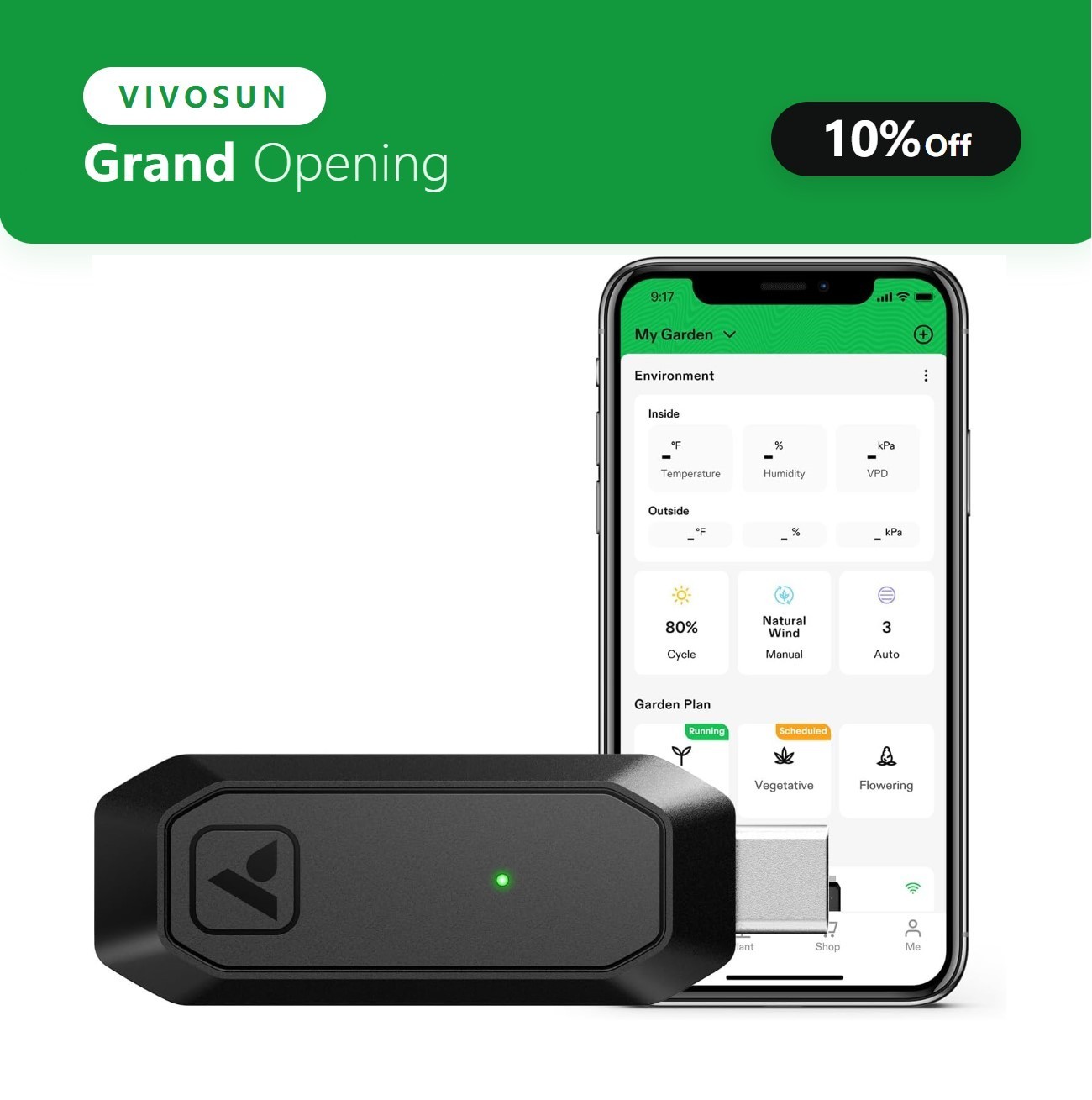
- WiFi App Control:With built-in WiFi connectivity, the GrowHub E25 allows you to monitor and control connected devices remotely through the Vivosun App anytime and anywhere. The App also provides additional features, including grow recipes and advanced settings for easier grow management.
- Compact Design:Installation is simple—just connect the E25 to the Type-C port of compatible SGS devices and connect it to WiFi. Its compact size, single-button WiFi setup, and clear status indicator light provide a convenient and flexible user experience.
- Smart Grow Automation | Customized Growth Settings:The smart auto mode and professional grow recipes in the App allow you to schedule lights, circulation fans, and duct fans based on different growth stages. Automated settings help simplify daily management while supporting consistent growing conditions.
- GrowHub E42/E42A Expansion:The GrowHub E25 can operate independently or work together with the GrowHub E42/E42A. Add both controllers to the same garden in the Vivosun App and use the E25 as an expansion port to extend E42/E42A control capabilities.
FAQ
Q:Can I use the GrowHub E Series controller without connecting to Wi-Fi or the Vivosun app?
Yes, you can use your GrowHub controller offline or without the Vivosun app to control basic functions for LED lights, circulation fans, and duct fans. However, after connecting your GrowHub to Wi-Fi, you can use the Vivosun app to monitor your grow environment remotely in real-time and access additional features such as grow plans, historical data, and more.
Q:How is the controller powered?
The Vivosun GrowHub Controller is powered through the control cable (RJ45 or Type-C) connected to an AeroLight, AeroZesh, or AeroWave E6. No additional power cable is required. However, when connected to a VS series light like LumaLight, LumaRay, or other compatible lights, a power adapter is necessary to power the GrowHub Controller.
Q:What kind of Wi-Fi router do I need? Is the Vivosun GrowHub ESeries compatible with 5 GHz Wi-Fi networks?
The Vivosun GrowHub connects only to 2.4 GHz Wi-Fi networks. Most routers broadcast both 2.4GHz and 5 GHz networks—often with similar names differentiated by “2.4 GHz” or “5 GHz.” Please select the 2.4 GHz network when pairing your GrowHub.